
Built for the whole shoot
The most advanced multicam audio synchronization tool for Mac.
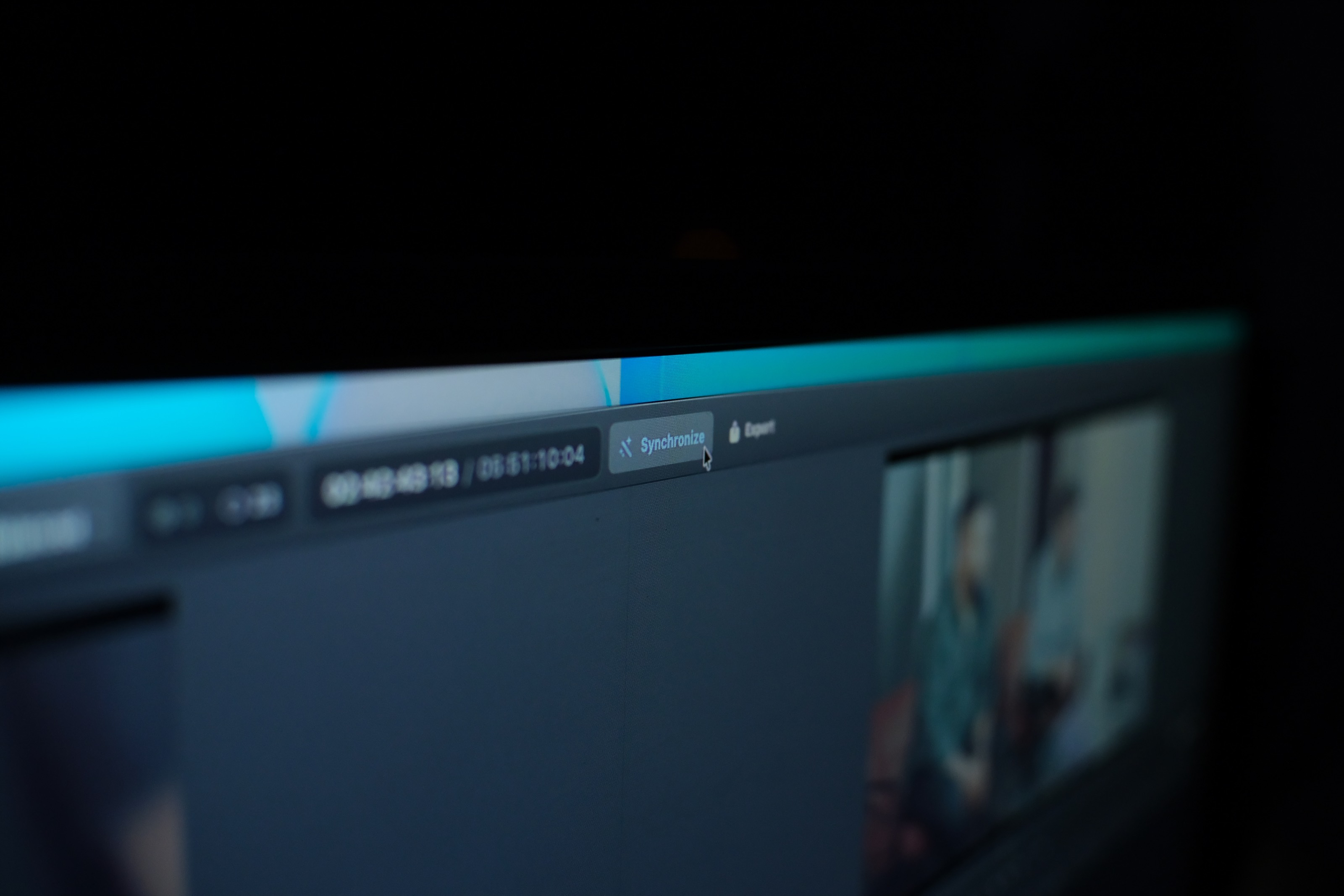
Sync a whole shoot in one pass — every camera, every recorder, every take. No XML round trips, no plugins.
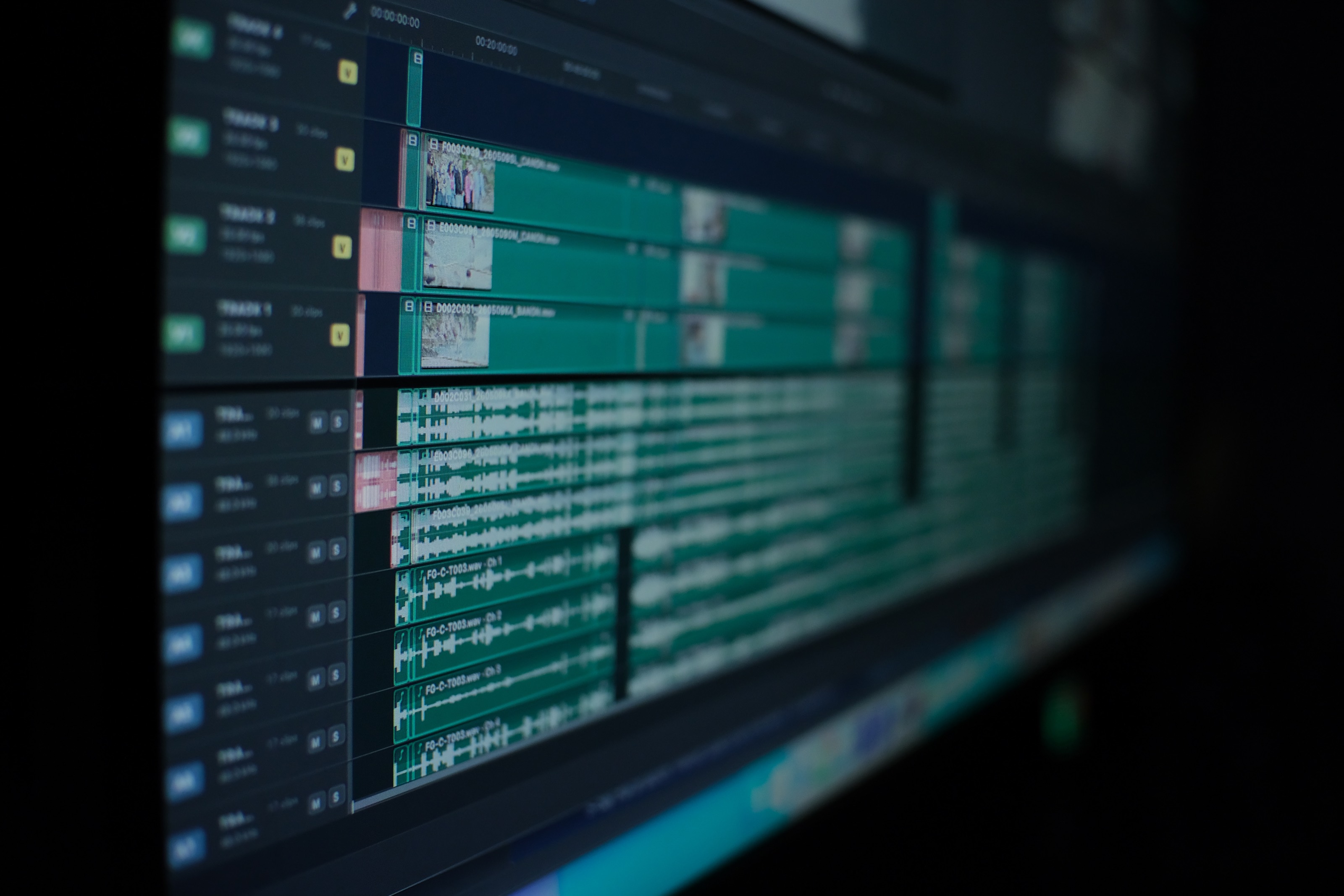
Stop lining up waveforms. Start cutting.
Drop in the whole source folder — every camera, every recorder, every take. An evening of prep becomes one pass.

PrePost Sync
See how it worksFlexible access. Cancel anytime.
Stay current while the subscription is active — updates stop when it ends.
One-time payment. Keep it forever.
Includes every update through the full 1.x line with no renewals or recurring fees.
- Complex start-stop timelines and long takes, synced in seconds.
- Smart import to project bin that keeps your source folder structure.
- Multichannel audio file support.
- Audio drift identification and correction.
- Timecode re-stamping into new audio files, matched with the camera’s clock.
- Post-sync operations: scratch audio, labels, block spacing, unsynced takes.
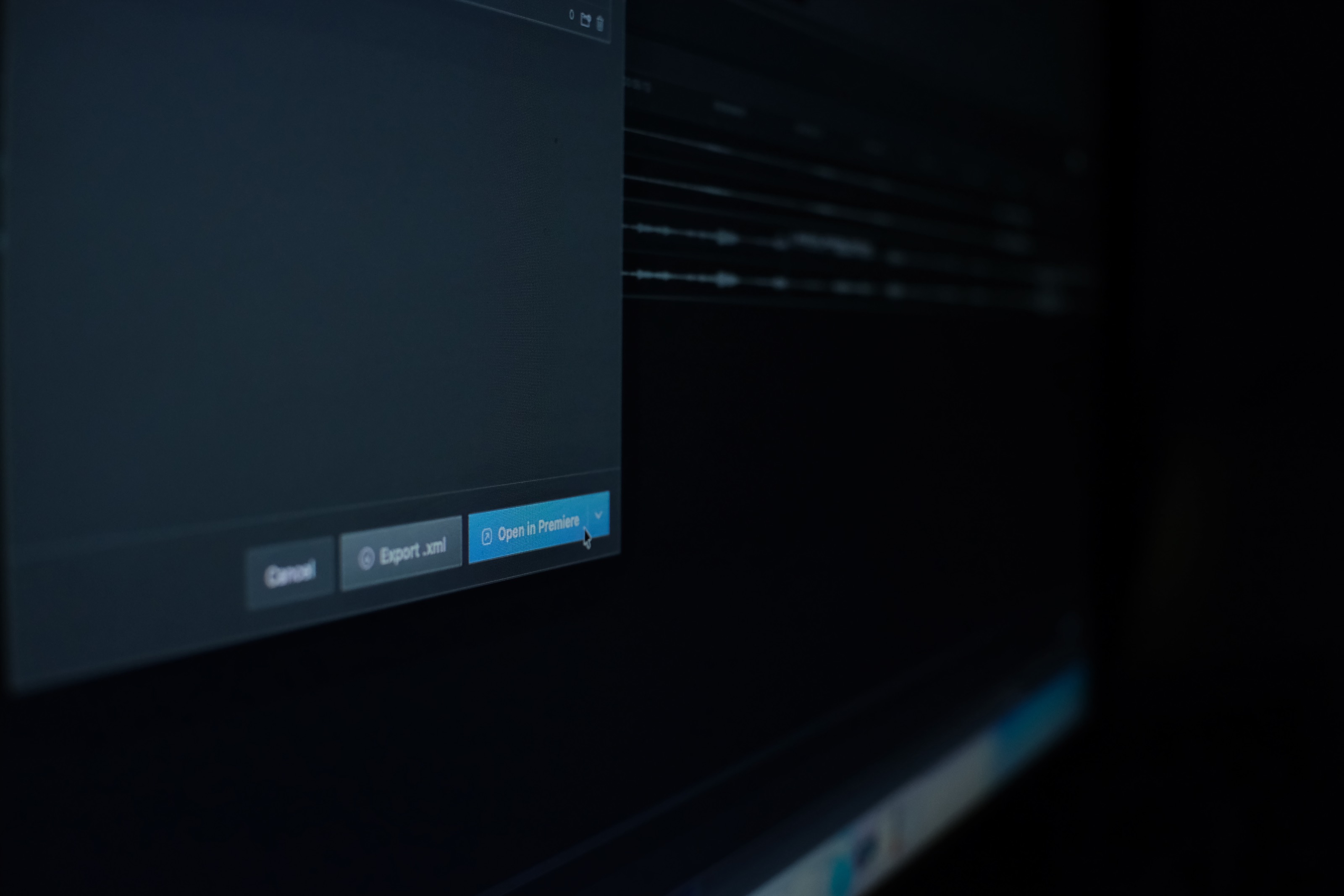
- One-button open straight into Premiere Pro or DaVinci Resolve.
Requires macOS 14 or later, Apple silicon only. Windows version coming soon.
* The subscription keeps you on the latest version for as long as it runs; cancelling stops further updates. The lifetime licence is a one-time purchase at the $149 launch price — $50 off — and includes every update through the 1.x line.
Beyond lining up waveforms
Everything a sync tool should have.
Matching two waveforms is the easy part, and every tool does it. These five are the reason a whole shoot goes from cards to a cut-ready timeline without a round trip.
Audio drift correction
Rate error measured in ppm, with the cost in frames across the take. One press resamples the audio to the camera’s clock and writes a corrected copy beside the original.
How it worksTimecode re-stamping
New _TC copies stamped on the camera’s clock, not the recorder’s. Premiere, Resolve, Avid and Pro Tools place them by timecode alone — no XML, no PrePost Sync in the chain. Originals untouched.
How it worksPost-sync operations
Scratch audio off, cameras labelled, blocks spaced, multichannel sources split per channel, unsynced takes collected to their own timeline. One pane, with a reset on every section.
How it worksOne-button send to your NLE
Writes the timeline, locates your Premiere Pro or Resolve install and opens it. No save dialog, no File → Import. Resolve goes through its scripting API, so bins and clip colours land with it — an XML cannot carry either.
How it worksYour bin structure, preserved
Your card structure arrives as the Media Pool bin tree — same names, same nesting, same order, clip colours intact. Nothing to rebuild on the other side.
How it worksMulticam sync questions, answered.
What is PrePost Sync?
PrePost Sync is post-production software that matches camera and recorder audio, groups takes, detects cards, corrects clock drift, re-stamps synced timecode into new copies of the audio files, and opens an organized, linked timeline in Premiere Pro or DaVinci Resolve.
What does PrePost Sync do that other sync tools do not?
Three things, mainly. It corrects audio drift — when two devices do not share a clock, the sync holds at the head of a take and walks away by the tail, and Sync measures that rate error in ppm and resamples the audio to fix it. It re-stamps matching timecode into new copies of the audio files, carrying the camera’s clock, so any NLE can place them without PrePost Sync involved at all — and your originals are never touched. And its post-sync operations pane does the tidy-up pass — stripping camera scratch audio, labelling cameras, spacing blocks, collecting unsynced takes — before anything leaves the app.
Who is PrePost Sync for?
PrePost Sync is designed for production crews, DITs and editors working with multiple cameras, separate audio and many takes.
How does PrePost Sync prepare media for editing?
You add the source folder, let smart card detection recognize each card and run Sync. PrePost then organizes the media and prepares a linked timeline for Premiere.
What is PrePost Studio?
PrePost Studio is an automated toolbox for the complete offload and media prep workflow — checksummed offload, verify, proxy transcode, sync and delivery to any NLE. It is in development; PrePost Sync ships first.
Is there a Windows version?
PrePost Sync runs on macOS today, and a Windows version is actively in development. Buy today and the Windows build arrives as a free update when it is ready.
Which editing applications can Sync hand off to?
One-button direct send works with both Adobe Premiere Pro and DaVinci Resolve: Sync writes the timeline, finds the application and opens it for you, with no file dialog and no File → Import. Resolve is driven through its scripting API, so the Media Pool bin tree and your clip colours come across as well — which no file Resolve imports can carry. Standard XML export is there too, in a Premiere and a Resolve flavour, and Final Cut reads one as well. Sync can also re-stamp the synced timecode into new copies of your audio files, so any NLE that syncs by timecode can place them with no XML at all. The originals are never modified.
Which cameras and codecs are supported?
Sync handles the common professional video and audio formats today, and we are actively adding more RAW and professional camera codecs. Tell us what your cameras shoot and it helps us prioritize.